The room is where the guest has the most time and the least reason to look up. A room card works when someone mentions it at check-in, and the leaderboard tells you whether they did.
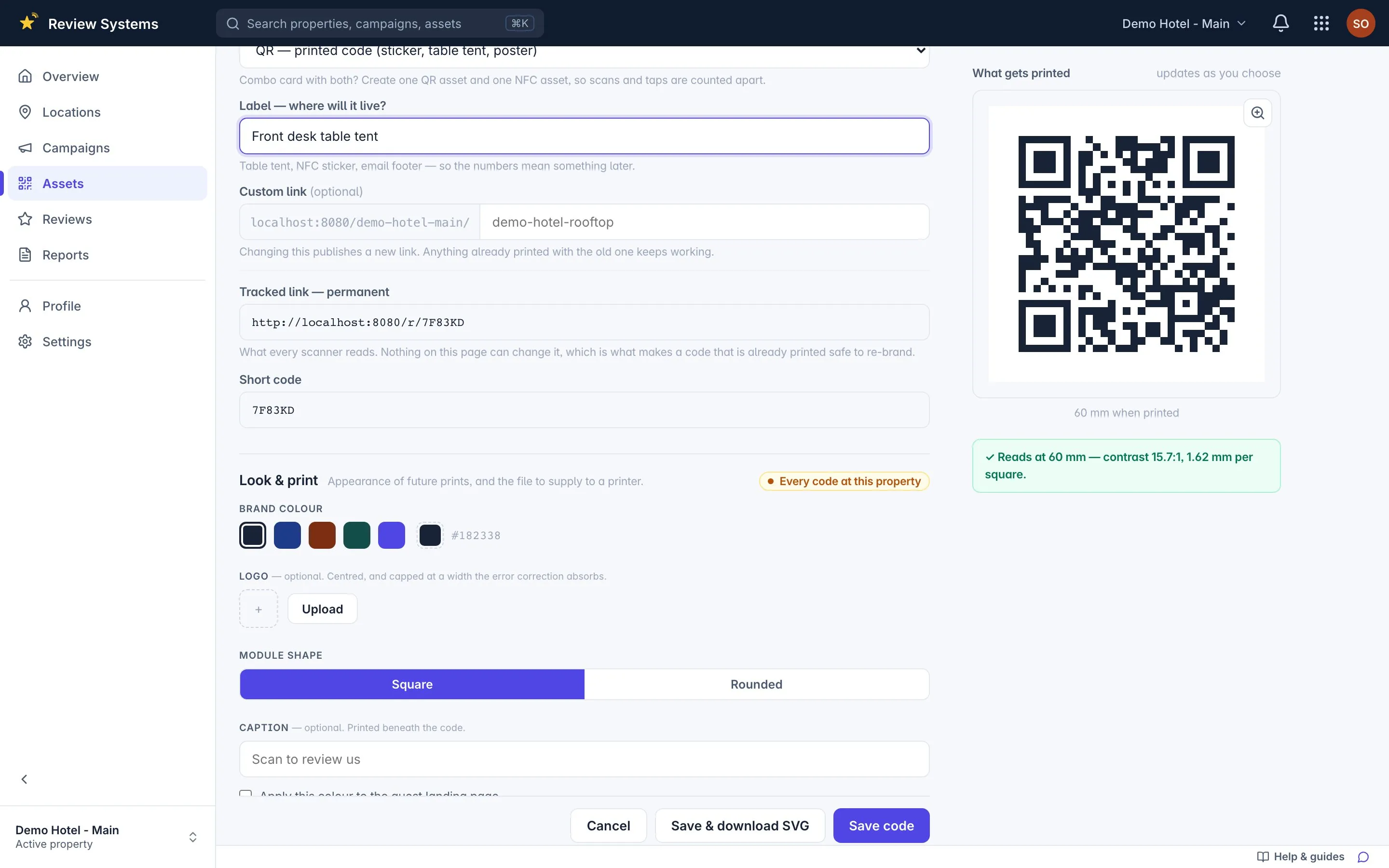
25 mm sticker · QR to scan, NFC to tap · one code for this spot
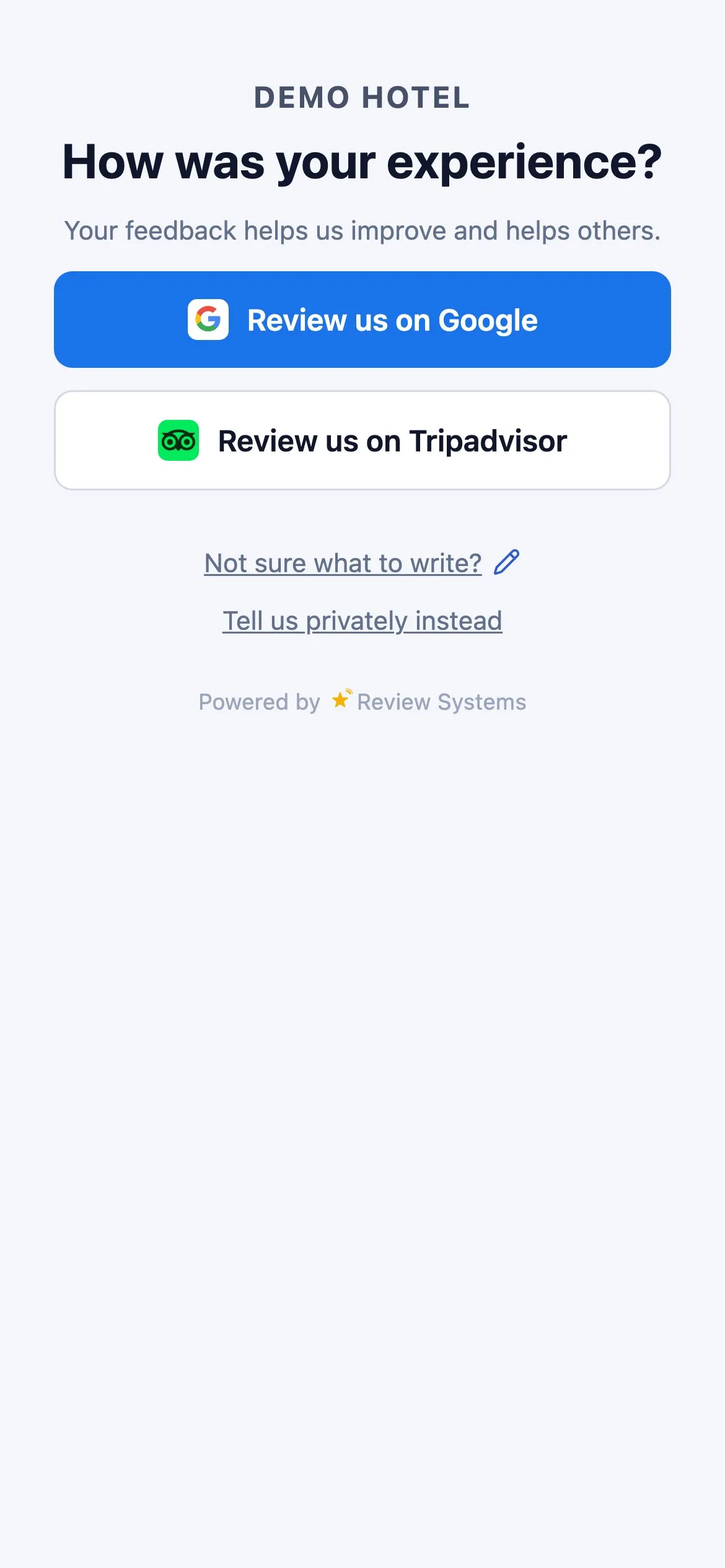
Live demo — tap a button
Three steps. Fifteen minutes.
Sample data
1
Print the 25 mm sticker
Create the spot "Rooms", add a code and export SVG, PNG or print-ready PDF. Scan it once with your own phone before the print run.
Sample data
2
Put it where the phone already is
Put the code where the phone is already charging: a sticker on the bedside card or the desk tent, not on the back of the door. Write the purpose next to it and have the front desk mention the card once at check-in.
Sample data
3
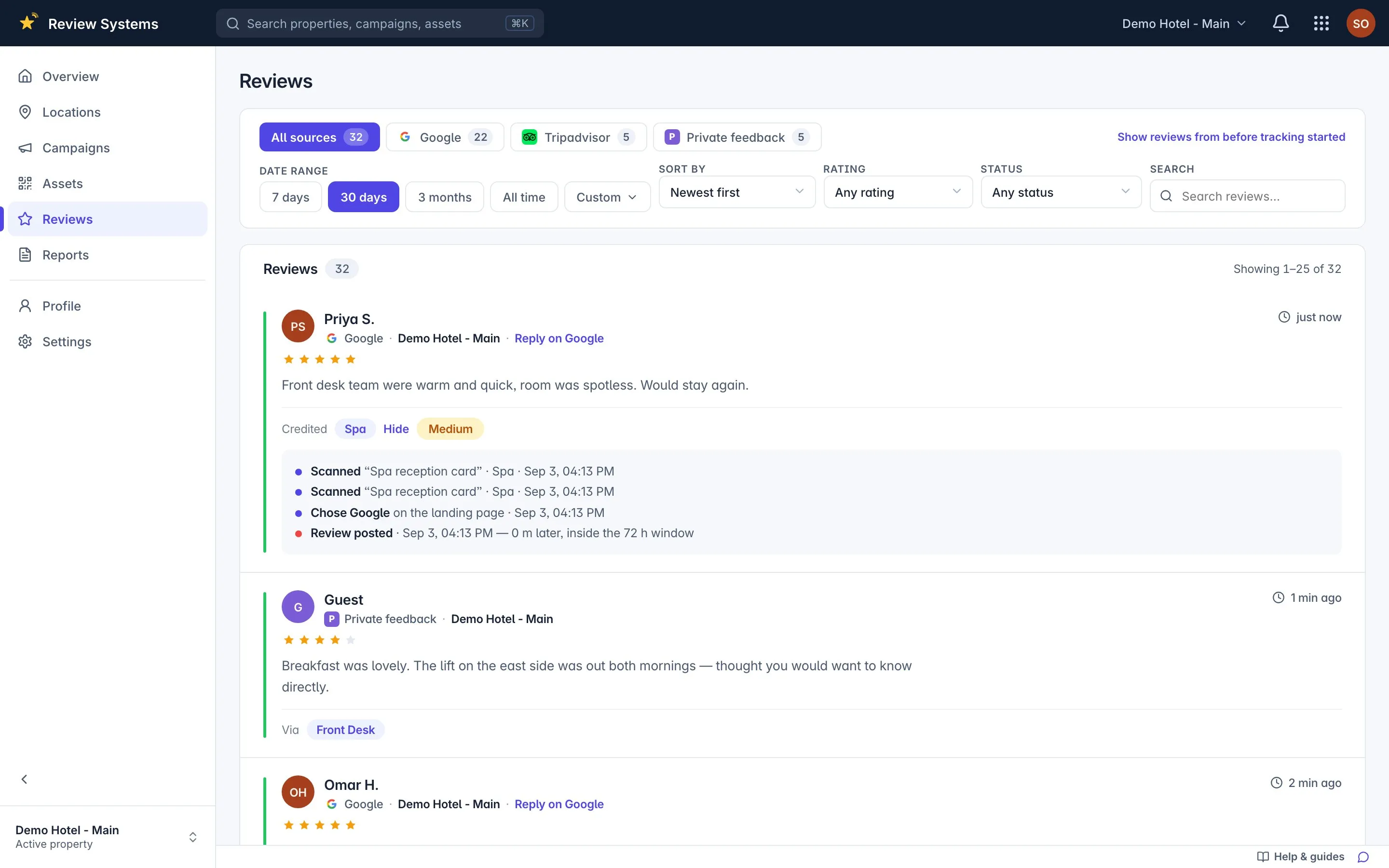
Reviews land, credited to Rooms
Every scan or tap is logged to this spot, and the review that follows is matched to it with the confidence stated.
Why a code at the hotel room?
A review code in the hotel room reaches the guest during the longest stretch of the stay, but it competes with television, sleep and the view, so it earns fewer scans per guest than the front desk or the bar and more reviews per scan when it works: the guest is unhurried and writes more. In Review Systems every room shares one campaign, so eighty room cards produce one row on the leaderboard — reviews credited to Rooms — which is enough to know whether the card is working without tracking each door. The card opens the same branded page as every other spot: a Google review, a Tripadvisor review, or a private message to the manager, with every button visible at every rating. Placement is the whole game: a sticker on the bedside card or desk tent where the phone charges, the purpose written beside it, and one sentence from the front desk at check-in. The idle-code notification flags a room set that has gone quiet.
The room’s advantage, and its problem
The guest spends more hours in the room than at any other spot, and a guest who reviews from the room writes more than one standing at the desk. The problem is attention: a room card that nobody mentions is furniture. One sentence at check-in — “there is a card by the bed if you would like to leave us a review” — is the difference between a row on the leaderboard and a blank.
What to print
Item
Size
Where
Why
Sticker
25 mm
Bedside card or desk tent, near the charger
Where the phone already is
Desk tent
60 mm
Writing desk
Readable from the chair; survives housekeeping
NFC tag
Coin
Under the bedside card
A tap for guests who never scan
All three live in the Rooms spot (a campaign, in the product) and count toward one row. The product refuses to export a code that would print too small to scan.
What you will see
Rooms usually shows fewer scans and a higher review-per-scan rate than the desk or the bar: fewer, longer reviews. If the row is empty for a week the cards have moved or nobody is mentioning them, and the idle-code notification says which set went quiet.
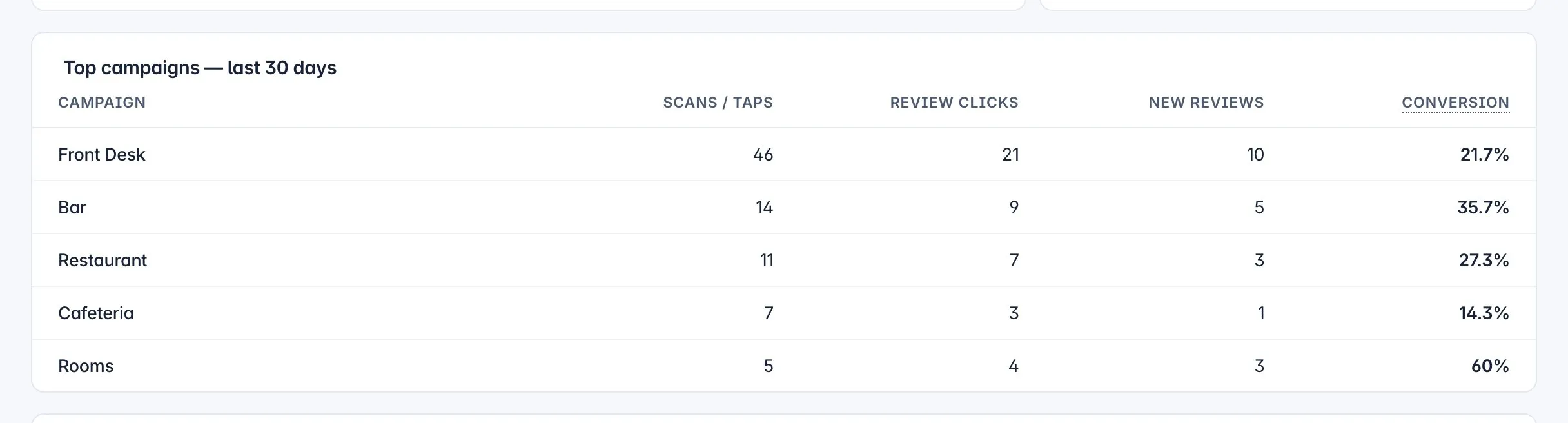
The hotel room against the other spots.
Scans, taps, reviews credited and conversion, side by side. Move the paper that is not working; print more of the paper that is.
Sample data
Common questions
One code for all rooms, or one per room?
One campaign for all rooms, one printed code per room card. Rooms share the campaign so the leaderboard shows Rooms as a single row against the desk and the bar, which is the comparison that matters. If you want to test two card designs, make two campaigns — Rooms A and Rooms B — and let the numbers decide.
Where in the room does the code get scanned?
Where the phone charges: the bedside table or the desk. A sticker on the back of the door or in the bathroom is read once, at the wrong moment, without a phone in hand. A 25 mm sticker on the bedside card or a small tent on the desk is the reliable answer.
Housekeeping keeps moving the cards. Does that matter?
Yes, and the leaderboard will tell you when it happens: scans credited to Rooms drop and the idle-code notification fires after seven quiet days. Give housekeeping a place on the checklist — card by the bedside, code facing up — and the number recovers.
Should the room card ask for a rating?
No. It invites a review: "Two taps to tell us how your stay was." Asking for a specific rating or naming a staff member is against Google's policy, and the invitation works better anyway because the guest chooses what to say.
Review Systems is completely free to use. There are no Review Systems subscription charges, per-property fees or per-account fees. You can add unlimited properties and accounts. Optional printing, NFC tags or other services you choose to buy from third parties may have their own costs; they are not charges for using Review Systems.
How do QR codes work?
One page with your name and logo, the question "How was your experience?", one filled button for your primary review site and secondary buttons for the others, and a quiet "Tell us privately instead" link. No app, no account, no download. You can scan the live demo page on this site with your own phone.

 ChatGPT
 Perplexity
 Claude
 Gemini · Google AI Mode
 Reddit
 X
X