What makes a spot work?
Two things: the guest’s phone is already out, and a person is nearby to point at the code. A seated guest at the end of a meal, or a guest waiting for a receipt at the desk, will scan; a guest walking through a lobby with a suitcase will not. Hospitality already has the highest QR adoption of any sector.
QRCodeKit puts QR adoption in restaurants and hospitality at 75%, and EasyMenus finds 57% of people scanned a code at a restaurant in the last month. Your guests know what the square is. The question is only whether it is where they are sitting.
Which spots earn reviews in a hotel?
The front desk at check-out and the tables at the bar and breakfast do most of the work. Bedside cards work when the desk mentions them. Lift posters, spa counters and valet stands earn little on their own. Rank yours by scans after a fortnight, not by where the poster looks nicest.
| Spot | Print size | Moment | Tip |
|---|---|---|---|
| Front desk, check-out | 60 mm table tent, or 25 mm sticker on the card sleeve | Waiting for the receipt, staff present | The one spot every guest passes; staff say the sentence here |
| Bar | 60 mm table tent | Drink in hand, phone on the table | Angle it to the seat, not the bartender |
| Breakfast room | 60 mm table tent | Seated, finished, phone out | Beats any poster in the building |
| Bedside or room desk | 25 mm sticker or a small card | Last night, packing | Only works if the desk mentions it at check-in |
| Lift | 150 mm poster | Doors closing | Usually the weakest; treat as a reminder, not an ask |
| Spa reception | 60 mm table tent | Paying, relaxed | Works when the therapist mentions it |
| Valet | 150 mm poster, or 25 mm sticker on the ticket | Waiting for the car | Waiting time helps; wind and rain do not |
Give each spot its own code. “The bar card beats the room card” is a sentence you can only say if the bar and the rooms are counted separately.
Why is the front desk the anchor?
Because it is the only spot every guest passes with a staff member present. BrightLocal’s 2025 survey finds 27% of consumers respond best to an in-person ask, and the desk at check-out is the one in-person moment a hotel is guaranteed. The receipt takes thirty seconds; the code sits in the eyeline for all of them.
The sentence staff say matters more than the stand. “There’s a code on the card if you’d like to leave us a review” — an invitation, never a request for stars, never a name. Google’s policy prohibits pressuring guests to review while on the premises; a card on the counter and a sentence is not pressure, a receptionist watching the screen is.
Why do bar and breakfast tables beat posters?
Because the phone is already on the table. A seated guest who has finished is looking at their phone anyway; a guest passing a poster is looking at the exit. EasyMenus finds a code with its purpose written beside it is scanned 73% of the time against 34% for a bare one, so write it.
“Two taps to leave us a review” on a 60 mm table tent at eye level does the asking without anyone saying a word. Put it where the bill lands, not by the condiments.
Do bedside cards work?
Sometimes, and only when the desk has mentioned them. A guest who was told at check-in that there is a card by the bed will find it while packing on the last night; a guest who was not will use it as a coaster. Print it small, keep it near the charger, and count it separately.
What about the lift, spa and valet?
The lift poster is the weakest spot on most properties — nobody scans while the doors are closing — but it is a cheap reminder that the desk card exists. The spa works when the therapist mentions it at payment. The valet stand works because guests wait there; weather and the size of the code decide the rest.
Treat all three as experiments with their own code. If the lift poster has no scans in a fortnight, take it down and put a second table tent in the bar instead.
How big should each code be printed?
Three sizes cover a hotel: a 25 mm sticker for key-card sleeves, bedside and valet tickets; a 60 mm table tent for desk, bar, breakfast and spa; a 150 mm poster for lift and lobby. Size follows the distance the guest scans from — a sticker in the hand, a tent across a table, a poster across a lift.
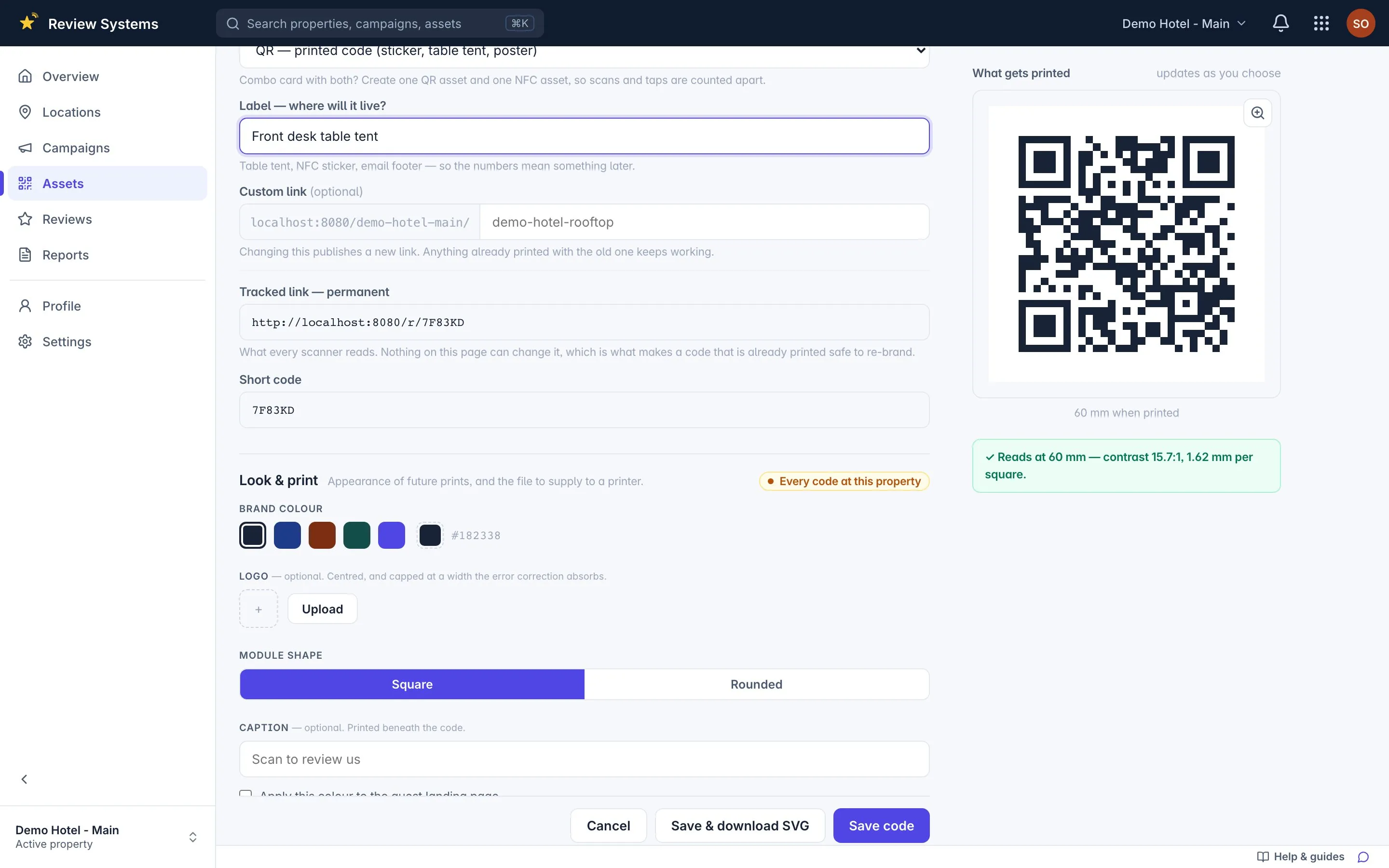
Review Systems exports each size as SVG, PNG at 300 dpi or a print-ready PDF, and refuses to render a code whose modules would print below half a millimetre or whose brand colour fails a 4.5:1 contrast check — because that failure only ever shows up as scans that never arrive.
How do you test before you order?
Scan one code with your own phone before you order five hundred. Print the sticker, the tent and the poster at real size on the office printer, stand where the guest would stand, and scan each one in the actual light of the spot at 8 pm. Reprinting is the expensive step.
Then check the scan lands under the right spot in the app; a code counted against the wrong campaign will tell you the bar is winning when it is the desk.
How do you know when a code is in the wrong place?
When it goes a week without a scan. Review Systems raises an idle-asset notification when a printed code has had no scan for seven days — printed, placed, and probably in the wrong place. The Assets & placement report lists per-code scans, idle prints and best spots, so the decision is a glance.
Move the paper that is not working; print more of the paper that is. Do it monthly for a season and the codes end up only where they earn.

 ChatGPT
 Perplexity
 Claude
 Gemini · Google AI Mode
 Reddit
 X
X